
Download Signal APK: the complete guide hub
Published: October 7, 2026 · Updated: October 8, 2026
Signal Foundationfrom Signal's official site — file hosted by Signal, not by us.
There is exactly one safe place to download the Signal APK: signal.org/android/apk, Signal's own download page. Every guide below starts from that fact. This hub collects all of our download guides in one place: the current version, the file details, how to update without the Play Store, and why third-party mirrors are not worth the risk.
We are an independent verification guide. We do not host APK files, we are not Signal, and we are not affiliated with Signal Foundation or Google. Every download button on this site points to Signal's own page, where Signal hosts the file itself.
The 30-second rule
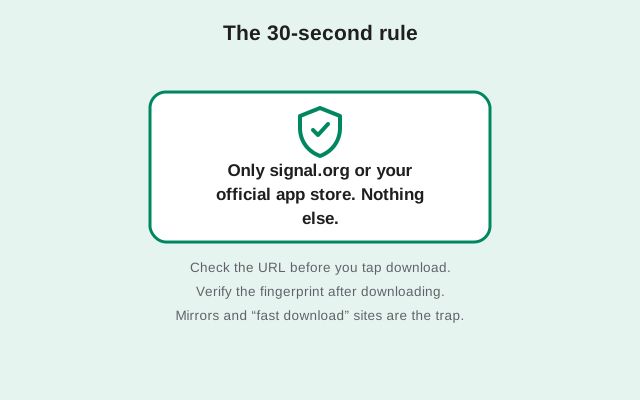
If you remember nothing else, remember this table. It is the entire safety model for downloading the Signal APK:
| Where you download from | signal.org/android/apk or the Google Play listing |
|---|---|
| Who hosts the file | Signal itself (or Google, for the Play build) |
| Safe to use | Yes. These are the only two official channels. |
| Any other APK site or mirror | Hosted by strangers. Not safe, no matter how professional the site looks. |
All download guides
Start with the main download page, then pick the topic you need. All ten guides below are live.
How to use these guides
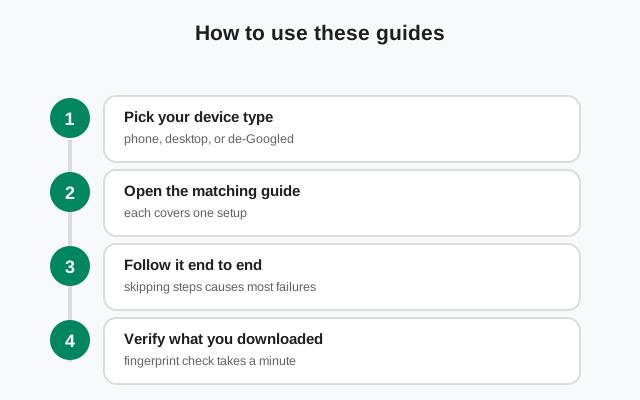
If this is your first time installing Signal without the Play Store, read the official download page first, then our no-Play-Store install walkthrough. If you already have the website build and just want to stay current, the latest version guide and the update guide cover that. If someone sent you an APK from anywhere else, read the mirror warning before you open it.
A note on versions: the website build currently offered by Signal is 8.29.3. When Signal ships a new release, our download buttons keep pointing at signal.org, so you always get the current file. We never link to a frozen copy of an old build.
Frequently asked questions
Is this site the official Signal website?
No. This is an independent verification guide. Signal's official site is signal.org, and Signal's official APK page is signal.org/android/apk. We link there for every download.
Why not just use the Play Store?
The Play Store is fine if you have it. These guides exist for people who do not: Huawei phones without Google services, de-Googled phones, regions where the Play Store is limited, and anyone who prefers to get the app straight from the publisher.
Do you host the APK file here?
Never. We do not host APK files at all. Every download button on this site opens Signal's own download page, where Signal hosts the file.
How big is the Signal APK file?
About 88 MB for the universal build. That is the file Signal's download page serves, and it works on any modern Android phone — no extra files needed.
Is the Signal APK free to download?
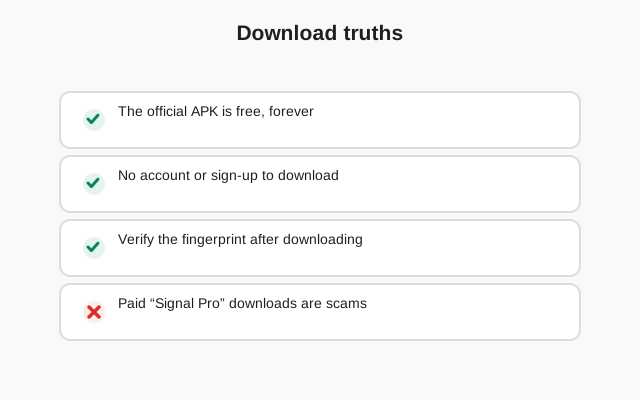
Yes. Signal is free, forever. Downloading the APK from signal.org/android/apk costs nothing and needs no account — free to download, free to use.
Do I need an XAPK installer for Signal?
No. Signal publishes a plain APK that installs with the package installer your phone already has. XAPK is a container format some third-party stores use; the official file is not one.
Related guides
- Signal APK Guide — home
- Download Signal APK (official)
- Install Signal without the Play Store
- Is the Signal APK safe?
Sources
Official references we check against: